

User avatar
Jeder neocat_floof_googly_woozy neocat_flag_agender 🔜 eth0 @jeder@miau.jeder.pl
2y
@Xyn @mi xiaomi mi note 2 (scorpio)
1
0
0
0
User avatar
Xyn @Xyn@donotsta.re
2y
@jeder @mi yeah, the docs do not seem to mention anything about the partition table being modified. Are you unable to boot into TWRP whatsoever?
1
0
0
0
User avatar
Jeder neocat_floof_googly_woozy neocat_flag_agender 🔜 eth0 @jeder@miau.jeder.pl
2y
@Xyn @mi i am not
1
0
0
0
User avatar
Xyn @Xyn@donotsta.re
2y
@jeder @mi have you've tried just booting the twrp image using fastboot boot <twrp image> ?
1
0
0
0
User avatar
Jeder neocat_floof_googly_woozy neocat_flag_agender 🔜 eth0 @jeder@miau.jeder.pl
2y
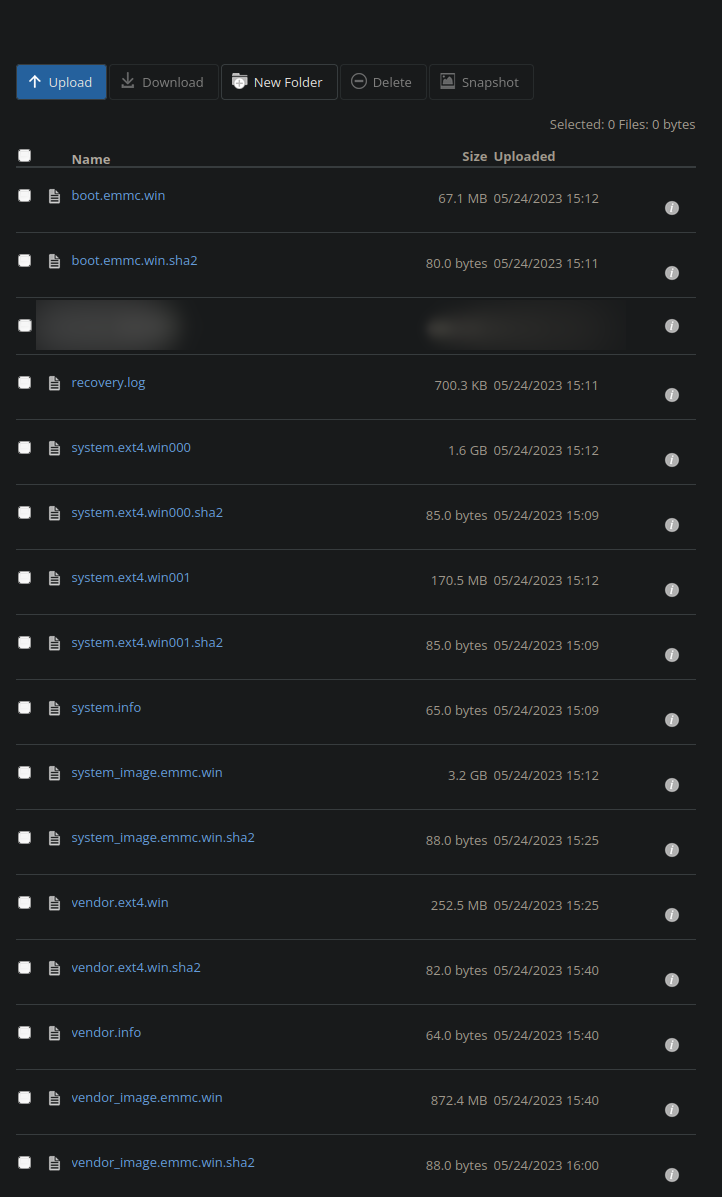
@Xyn @mi i haven't did that, i did power+vol up and it just works, what i want to know is what exactly i need to do to get android back on there, i guess get these files back to the phone and i guess download a rom? idfk
1
0
0
0
User avatar
Jeder neocat_floof_googly_woozy neocat_flag_agender 🔜 eth0 @jeder@miau.jeder.pl
2y
@Xyn @mi like, i am that kind of person that needs everything (even simple stuff) written to be sure that i am not fucking this up
1
0
0
0
User avatar
Xyn @Xyn@donotsta.re
2y
@jeder @mi Alright, so, do you care about your data, or do you just want android back on it?
1
0
0
0
User avatar
Jeder neocat_floof_googly_woozy neocat_flag_agender 🔜 eth0 @jeder@miau.jeder.pl
2y
@Xyn @mi i don't, i didn't use this phone besides for just trying out pmos
1
0
0
0
User avatar
Xyn @Xyn@donotsta.re
2y
@jeder @mi well, the most easiest option to do what is just to download this fastboot-flashable stock firmware for your phone, put your phone in fastboot, run ./flash-all.sh and just wait.

cdn-ota.azureedge.net/V11.0.2.0.OADMIXM/scorpio_global_images_V11.0.2.0.OADMIXM_20191023.0000.00_8.0_global_c8b7caa59d.tgz (link extracted from this MIUI firmware tacker xiaomifirmwareupdater.com/miui/scorpio/stable/V11.0.2.0.OADMIXM/)
1
0
0
0
User avatar
Jeder neocat_floof_googly_woozy neocat_flag_agender 🔜 eth0 @jeder@miau.jeder.pl
2y
@Xyn @mi well thats nice to know
1
0
0
0
User avatar
Jeder neocat_floof_googly_woozy neocat_flag_agender 🔜 eth0 @jeder@miau.jeder.pl
2y
@Xyn @mi altough, that won't just randomly lock the bootloader? i don't really have access to a windows machine, nor their cursed bootloader unlocker
1
0
0
0
User avatar
Xyn @Xyn@donotsta.re
2y
@jeder @mi by flashing your phone using the "flash_all.sh" script, and NOT the "flash_all_lock.sh", your bootloader will remain unlocked. Also, there's an unofficial bootloader unlocking tool for Xiaomis for both Linux and Mac and it works awesome.
⭐2
1
0
0
2
User avatar
Jeder neocat_floof_googly_woozy neocat_flag_agender 🔜 eth0 @jeder@miau.jeder.pl
2y
@Xyn @mi
there's an unofficial bootloader unlocking tool for Xiaomis for both Linux and Mac and it works awesome.
guess quite a lot has changed since 2018
⭐1
1
0
0
1
User avatar
Xyn @Xyn@donotsta.re
2y
@jeder @mi xiaomitool.com/V2/
⭐1
2
0
0
1
User avatar
Jeder neocat_floof_googly_woozy neocat_flag_agender 🔜 eth0 @jeder@miau.jeder.pl
2y
@Xyn @mi
terminate called after throwing an instance of 'std::out_of_range'
  what():  basic_string::compare: __pos (which is 496) > this->size() (which is 0)
./flash_all.sh: line 49: 58570 Aborted                 (core dumped) fastboot $* flash system `dirname $0`/images/system.img
Flash system error


oh great
⭐1
1
1
0
1
User avatar
Xyn @Xyn@donotsta.re
2y
@jeder @mi seems to be an issue with the fastboot binary from your distro's package manager. What you can do in this situation is download the fastboot binary from here(developer.android.com/tools/releases/platform-tools), and then edit the "flash_all.sh" script to point to that fastboot binary, instead of the one on your system.
⭐2
1
0
0
2
User avatar
Jeder neocat_floof_googly_woozy neocat_flag_agender 🔜 eth0 @jeder@miau.jeder.pl
2y
@Xyn @mi it worked, thanks
⭐1
1
0
0
1
User avatar
Xyn @Xyn@donotsta.re
2y
@jeder @mi MIUI booted?
1
0
0
0
User avatar
Jeder neocat_floof_googly_woozy neocat_flag_agender 🔜 eth0 @jeder@miau.jeder.pl
2y
@Xyn @mi yes
and it somehow remembered my old mi account
Fun
⭐1
2
0
0
1
User avatar
Xyn @Xyn@donotsta.re
2y
@jeder @mi Yeah, the mi account is server-side, and once you connect your phone to the internet, it phones home to Xiaomi.
1
0
0
0
User avatar
Jeder neocat_floof_googly_woozy neocat_flag_agender 🔜 eth0 @jeder@miau.jeder.pl
2y
@Xyn @mi no like, it wasn't even connected to internet and it prompted the "this device is locked" screen lol
0
0
0
0